Note
Clear CloudFlare Cache from Lambda
Purging a CDN cache on every deploy, with the API key in Parameter Store rather than in the function, because that one key opened most of the account.
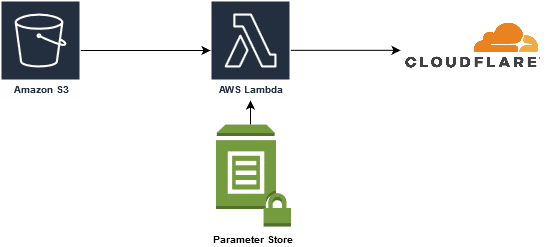
As I’ve stated in previous posts, I currently use CloudFlare as my CDN. There are several reasons for this that I won’t go into now. One of the “ToDo’s” on my list has been to clear CloudFlare’s cache when I upload new content to my blog. I was finally able to spend some time and get that done.
CloudFlare API
To start things off I reviewed the doc for the CloudFlare API. I use the personal free features of CloudFlare, so I chose to purge the entire cache every time instead of individual files. Paying to purge cache though has some great features such as utilizing tags.
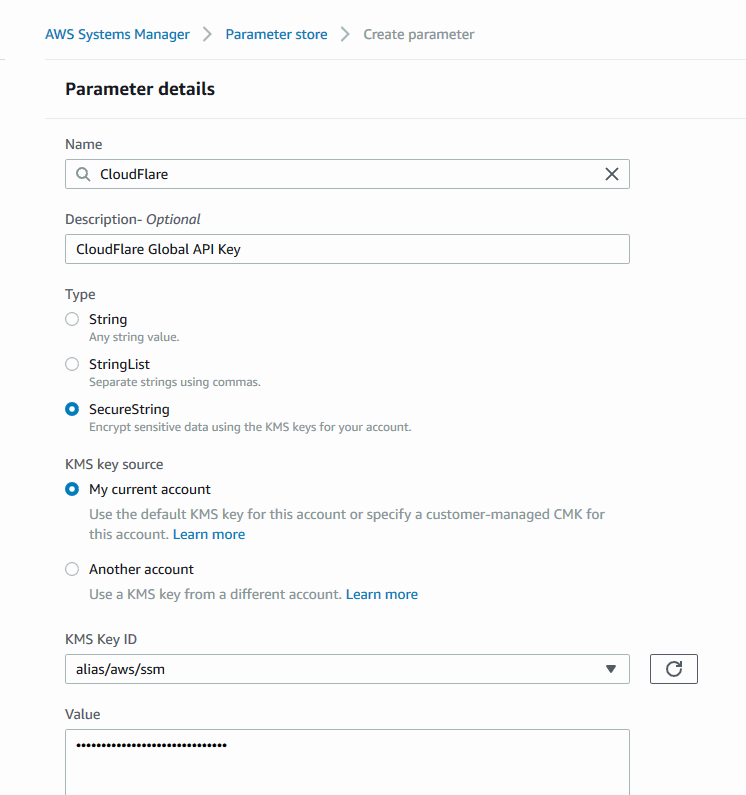
CloudFlare issues 2 API keys (a Global and Origin CA key). In this case I needed the Global API key. To make a call I also needed the Zone ID, which can be found on the account homepage. This key provides access to most of my CloudFlare account, so securing the key was crucial. I decided to place this key in AWS’s System Manager Parameter Store.
IAM Policy
Being that the keys are in the parameter store I needed to add an IAM policy. It’s a simple policy that just allows the ssm:GetParameter/s options. I attached it to the role I used for the Lambda script.
{
    "Version": "2012-10-17",
    "Statement": [
        {
            "Sid": "VisualEditor0",
            "Effect": "Allow",
            "Action": [
                "ssm:GetParameters",
                "ssm:GetParameter"
            ],
            "Resource": "*"
        }
    ]
}
Lambda Script
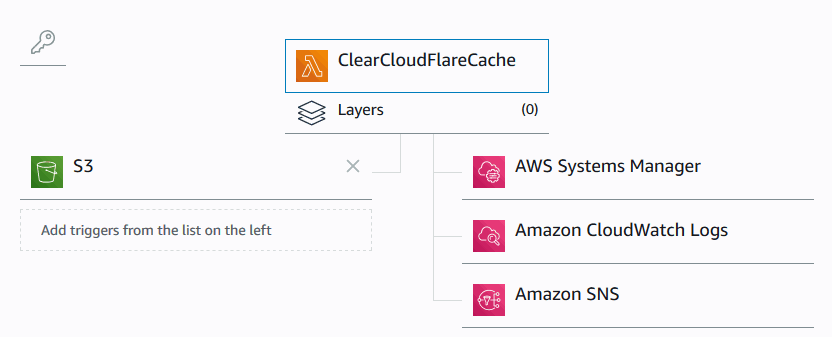
My Lambda script is currently triggered by a stage in the Code Pipeline objects being deployed into S3 (this did not work as intended). It logs to CloudWatch and sends an email upon completion.
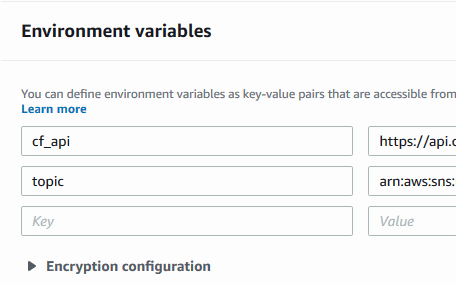
I tried to use environment variables where I could to keep the script itself clean.
The script itself is relatively basic. I added a few comments just to be thorough.
As with the rest of my AWS services I added a tag to the script and the Parameter Store entry in order to keep track of what is what. It makes for a good view in the Resource Manager. I might try my hand at turning most of this into a CloudFormation template at some point as well.
My script currently does not return the proper values to CodePipeline, so CodePipeline will wait until it times out even if successful. I will update this post and script once I complete that. Or, if you have the solution already, feel free to comment!
My script has been updated and this now works!
Originally published in 2019 on my previous site, which is no longer online.